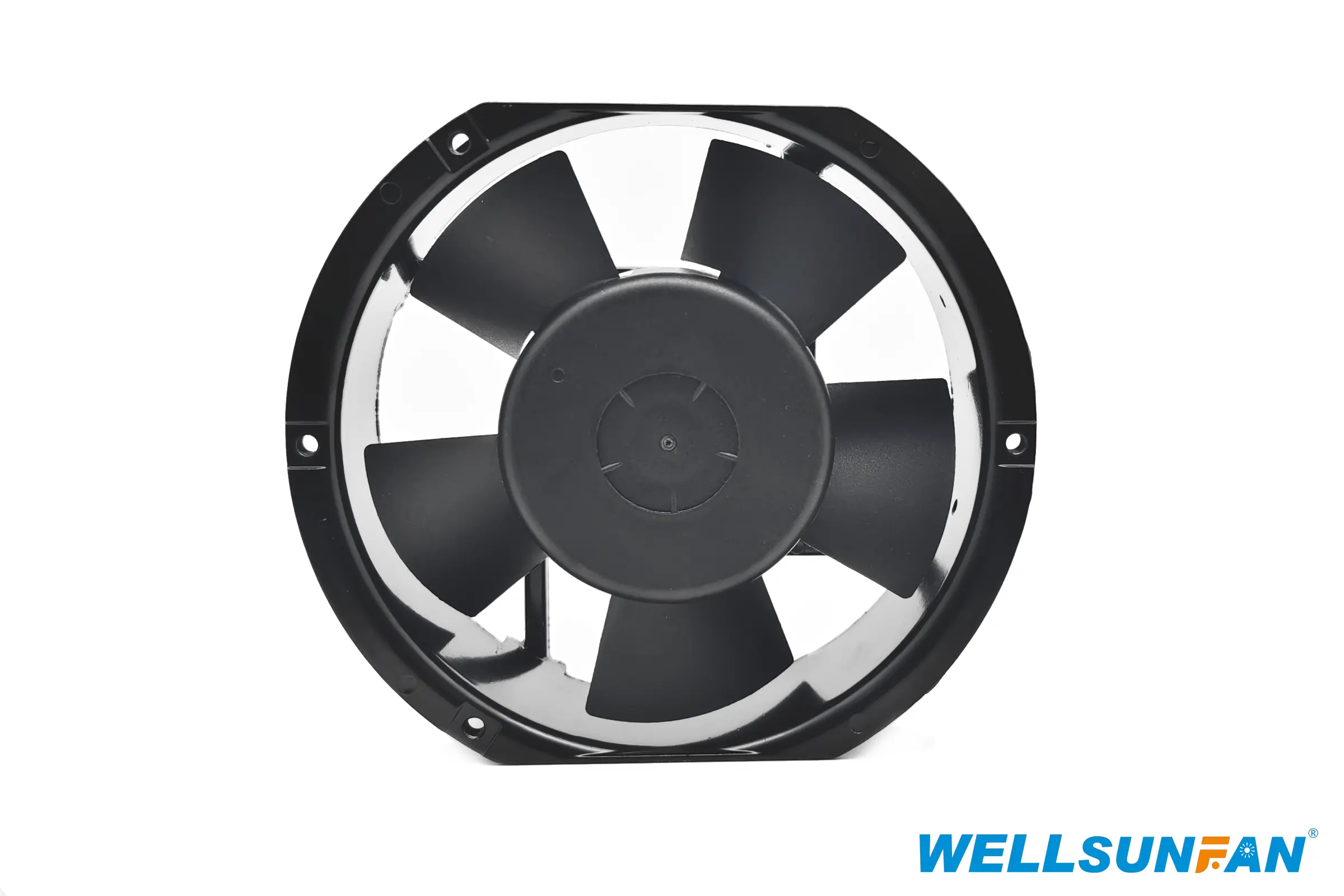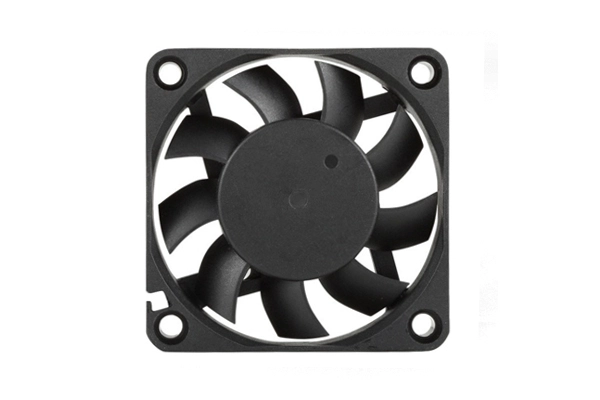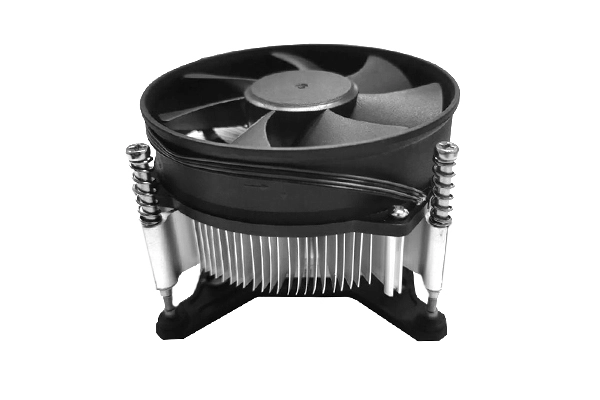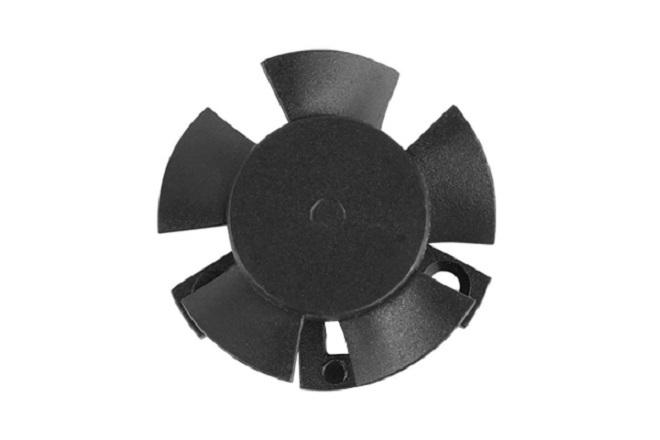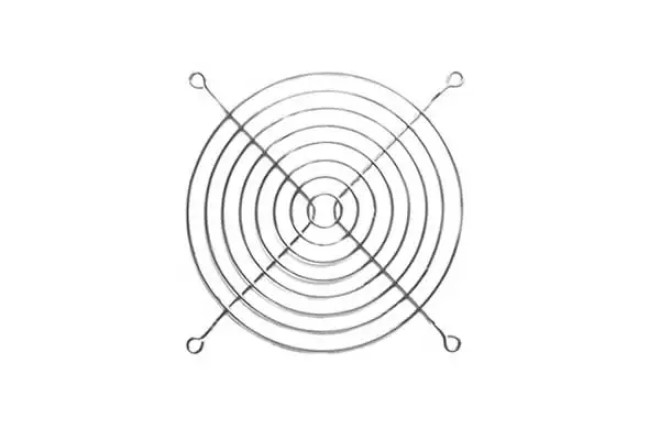
Cooling fans are the unsung heroes that keep our electronic devices and machinery running smoothly. They play a crucial role in preventing overheating, which can lead to reduced performance, system instability, and even permanent damage. However, like any mechanical component, cooling fans can encounter problems over time. This guide provides a quick overview of common cooling fan issues and practical troubleshooting steps to resolve them. Whether you're dealing with a noisy computer fan or an industrial cooling system malfunction, this guide will equip you with the knowledge to diagnose and fix the problem efficiently.
One of the most common issues is a fan that simply isn't spinning. Here’s how to troubleshoot:
Check the Power Connection: Ensure the cooling fan is properly connected to its power source. This could be a motherboard header, a PSU connection, or an external power adapter.
Inspect the Wiring: Look for any damaged or frayed wires that might be interrupting the power supply.
Test with a Different Power Source: If possible, try connecting the cooling fan to a different power source to rule out a PSU or header issue.
Check for Obstructions: Debris, cables, or other objects might be blocking the cooling fan blades.
Motor Failure: If none of the above solutions work, the motor may have failed, requiring a replacement.
Noisy fans can be irritating and often indicate an underlying problem. Here's what to investigate:
Dust Buildup: Dust accumulation can cause the cooling fan blades to become unbalanced, leading to noise. Clean the cooling fan with compressed air.
Loose Screws: Check if the cooling fan is securely mounted. Loose screws can cause vibrations and noise.
Worn Bearings: Over time, fan bearings can wear out, resulting in a grinding or rattling noise. Lubricating the bearings may help, but replacement is often necessary.
Cable Interference: Ensure that cables are not touching the cooling fanblades.
A fan that spins too slowly may not be providing adequate cooling. Here's how to address this:
Check Fan Speed Settings: Many systems allow you to control fan speeds through BIOS settings or software utilities. Ensure the cooling fan is set to an appropriate speed profile.
Temperature Monitoring: Monitor the temperature of the component being cooled. If temperatures are high, increase the fan speed.
Voltage Issues: Check the voltage being supplied to the cooling fan. Insufficient voltage can cause the fan to spin slowly.
Dust Buildup: As mentioned earlier, dust can impede fan performance and cause it to spin slowly.
Excessive vibration can damage the cooling fan and surrounding components. Troubleshoot as follows:
Unbalanced Fan Blades: Clean the fan blades to remove any uneven dust buildup that might be causing imbalance.
Loose Mounts: Tighten any loose screws or mounts that secure the cooling fan.
Damaged Blades: Inspect the fan blades for any cracks or damage. Replace the cooling fan if necessary.
Sometimes, even with a functioning fan, overheating can still occur. Consider these factors:
Insufficient Airflow: Ensure that there is adequate airflow around the cooling fan and that vents are not blocked.
Dried Thermal Paste: If you're dealing with a CPU or GPU cooler, the thermal paste may have dried out, reducing heat transfer. Reapply fresh thermal paste.
Ambient Temperature: High ambient temperatures can reduce the effectiveness of cooling fans.
Regular maintenance can prevent many of the issues listed above. Here are some best practices:
Regular Cleaning: Use compressed air to remove dust and debris from fans and vents regularly.
Check for Wear and Tear: Inspect fans for loose screws, damaged blades, and worn bearings.
Monitor Temperatures: Keep an eye on system temperatures to identify potential cooling issues early.
Lubricate Bearings: Apply a small amount of lubricant to fan bearings periodically to keep them running smoothly (if applicable).
At Wellsunfan, we understand the importance of reliable cooling solutions for a wide range of applications. Our extensive product line includes high-quality DC Cooling Fans, AC Cooling Fans, and EC Cooling Fans designed for optimal performance and longevity.
DC Cooling Fans: Ideal for small electronics and devices, ranging from 20mm to 220mm.
AC Cooling Fans: Commonly used in larger equipment and industrial applications, varying in size from 60mm to 280mm.
EC Cooling Fans: Energy-efficient options suitable for various applications, from 60mm to 220mm.
In addition to our cooling fans, we offer a range of Cooling Fan Accessories to meet your thermal management needs. All our products are manufactured to the highest standards and undergo rigorous testing to ensure reliability and performance.
If you're experiencing cooling fan issues or looking to upgrade your cooling solutions, contact Wellsunfan today. Our team of experts can help you identify the best cooling fan for your specific application and provide guidance on troubleshooting and maintenance. With Wellsunfan, you can trust that your equipment will stay cool and perform optimally.
 English
 português
 Español
 Deutsch
 русский