In sectors like Medical Equipment, Home Appliances, and Stage Lighting, noise is not just an annoyance—it’s a performance failure. A noisy fan can disrupt a surgery, annoy a homeowner, or ruin a theatrical performance.
Understanding the root causes of fan noise—and how to fix them—is essential for any design engineer. This guide breaks down the three main sources of noise and provides actionable solutions.
Fan noise generally falls into three categories:
Aerodynamic Noise: Caused by the blades cutting through the air and turbulence around the housing.
Mechanical Noise: Caused by bearings, motor vibration, or poorly balanced impellers.
Electrical Noise: Often heard as a high-pitched “hum” or “click” caused by PWM switching frequencies or motor drivers.
The most common cause of noise is turbulence. When air hits a sharp corner or a dense fan grill, it creates vortices that produce a broadband “whooshing” sound.
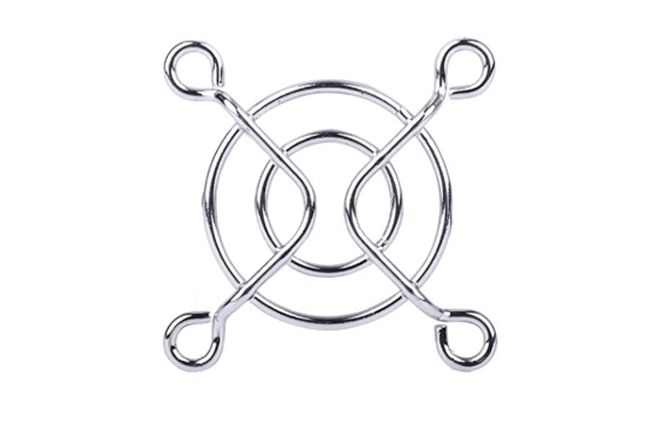
The Solution: Increase the clearance between the fan blades and the fan grill. A gap of just 3-5mm can significantly reduce turbulence.
Inlet Design: Ensure the air intake is smooth and unobstructed. A restricted intake causes the fan to work harder, increasing noise and reducing efficiency.
If you hear a low-frequency vibration or a “rattle,” the issue is likely mechanical.
Blade Balance: A fan that is off-center by even a fraction of a gram will vibrate. High-quality manufacturers like WELLSUNFAN use high-precision balancing instruments to eliminate this.
Isolation Mounts: Use rubber grommets or anti-vibration mounts to prevent the fan’s vibration from transferring to the device’s chassis. Metal-on-metal mounting often turns the entire enclosure into a speaker, amplifying the noise.
Use the following table to quickly diagnose and resolve noise issues in your prototype or production units.
This table is designed for engineers performing field testing or factory QC.
| Symptom | Probable Root Cause | Recommended Action |
|---|---|---|
| Broadband “Whoosh” | High-velocity turbulence | Increase grill clearance; smoothen intake path |
| Low-Frequency Hum | Chassis resonance | Add rubber isolation mounts or dampening foam |
| High-Pitched Whine | Bearing wear or poor quality | Switch to high-quality dual ball bearings |
| Rhythmic “Clicking” | PWM frequency mismatch | Adjust PWM frequency (standard 25kHz) |
| Whistling Sound | Air leaking through gaps | Seal gaps between fan frame and housing |
Analysis for Engineers: Most noise issues are a combination of factors. For example, a slightly unbalanced fan (mechanical) might not be audible until it is mounted to a thin metal panel (resonance). By addressing both the source (balancing) and the transmission (mounting), you can achieve “silent” operation.
Modern DC fans often use PWM (Pulse Width Modulation) for speed control. If the PWM frequency is within the human audible range (typically below 20kHz), you may hear an electrical “hum.” WELLSUNFAN recommends a standard PWM frequency of 25kHz to ensure the switching noise remains ultrasonic and inaudible to users.
Solving noise problems requires advanced acoustic equipment. At WELLSUNFAN, our 10,000-square-meter Shenzhen facility is equipped with a specialized Anechoic Chamber and professional noise testers.
Every new design from our 20+ person R&D team is tested to ensure it meets strict dB(A) targets. We understand that “Quality Foremost” means more than just a fan that spins—it means a fan that spins quietly and reliably.
With 8 assembly lines and a monthly capacity of 3 million fans, we maintain strict quality control through every stage of production. We use high-precision balancing instruments and automatic winding machines to ensure that every fan leaving our factory is as quiet as the day it was designed. Our strategic partnerships with world-renowned enterprises in the Medical and Audio-Visual sectors prove that we are the trusted partner for noise-sensitive applications.
Looking for whisper-quiet cooling for your next project? WELLSUNFAN offers a wide range of low-noise DC cooling fans and EC cooling fans, along with the technical expertise to help you optimize your design.
 English
 português
 Español
 Deutsch
 русский